App logo

Turn Kids’ Screen Time into Positive Habits

ScreenTreat - Turn ScreenTime into positive motivation for kids | Product Hunt
App screenshot
App screenshot
App screenshot
App screenshot
App screenshot
App screenshot
App screenshot
App screenshot
App screenshot
App screenshot
App screenshot
App screenshot
App screenshot
App screenshot
App screenshot

Stop battling over screen time, turn it into positive motivation

Watch this to discover app benefits:
App screenshot
App screenshot
App screenshot

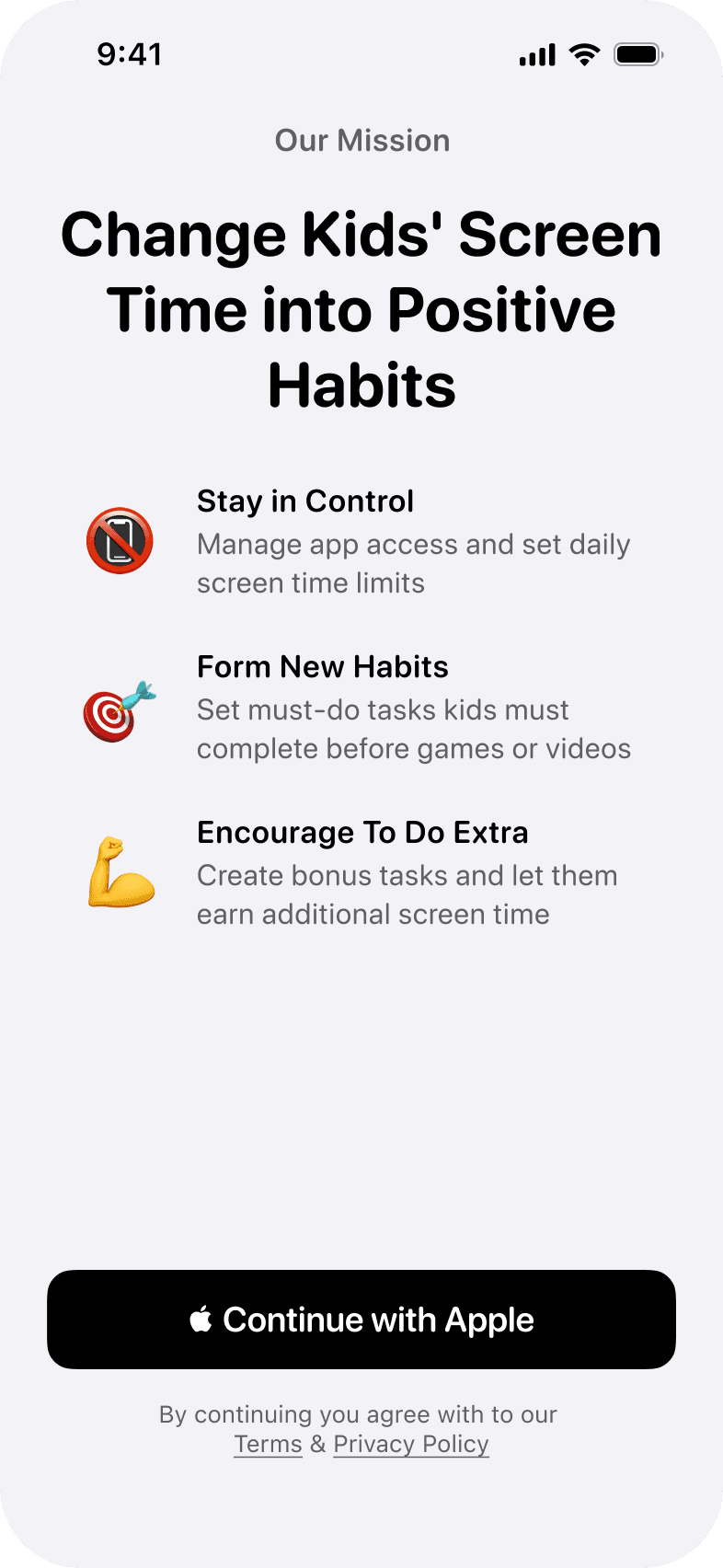
📵

Stay in Control

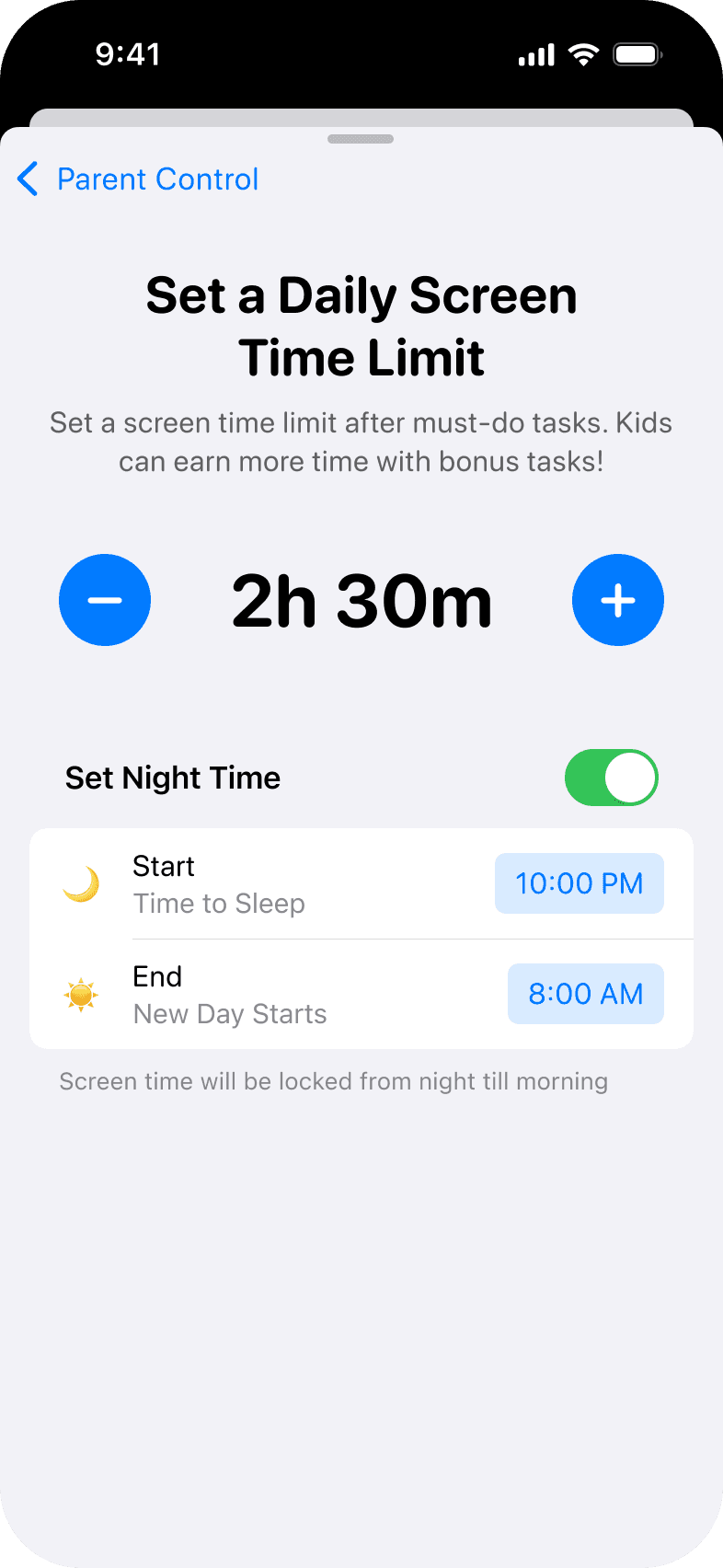
Manage app access and set daily
screen time limits

🎯

Form New Habits

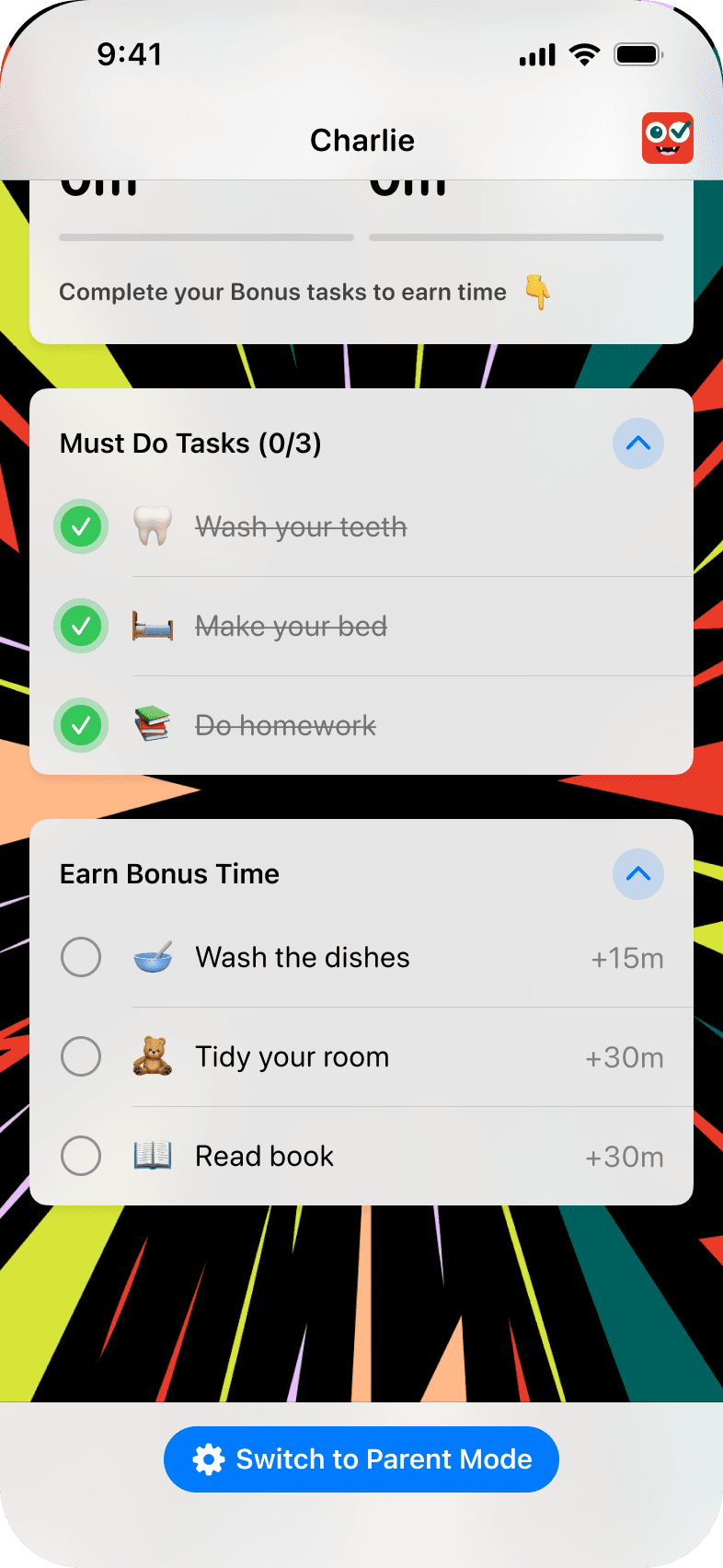
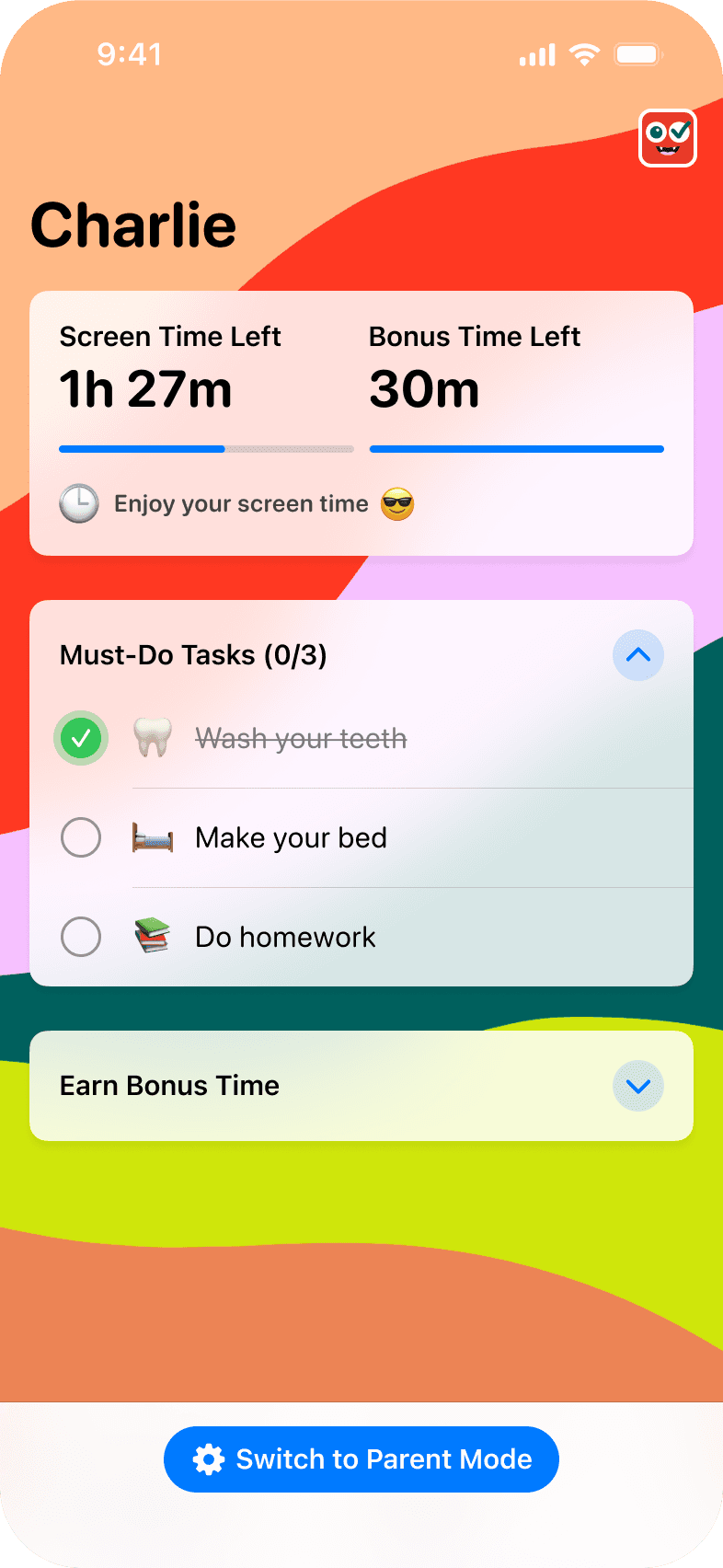
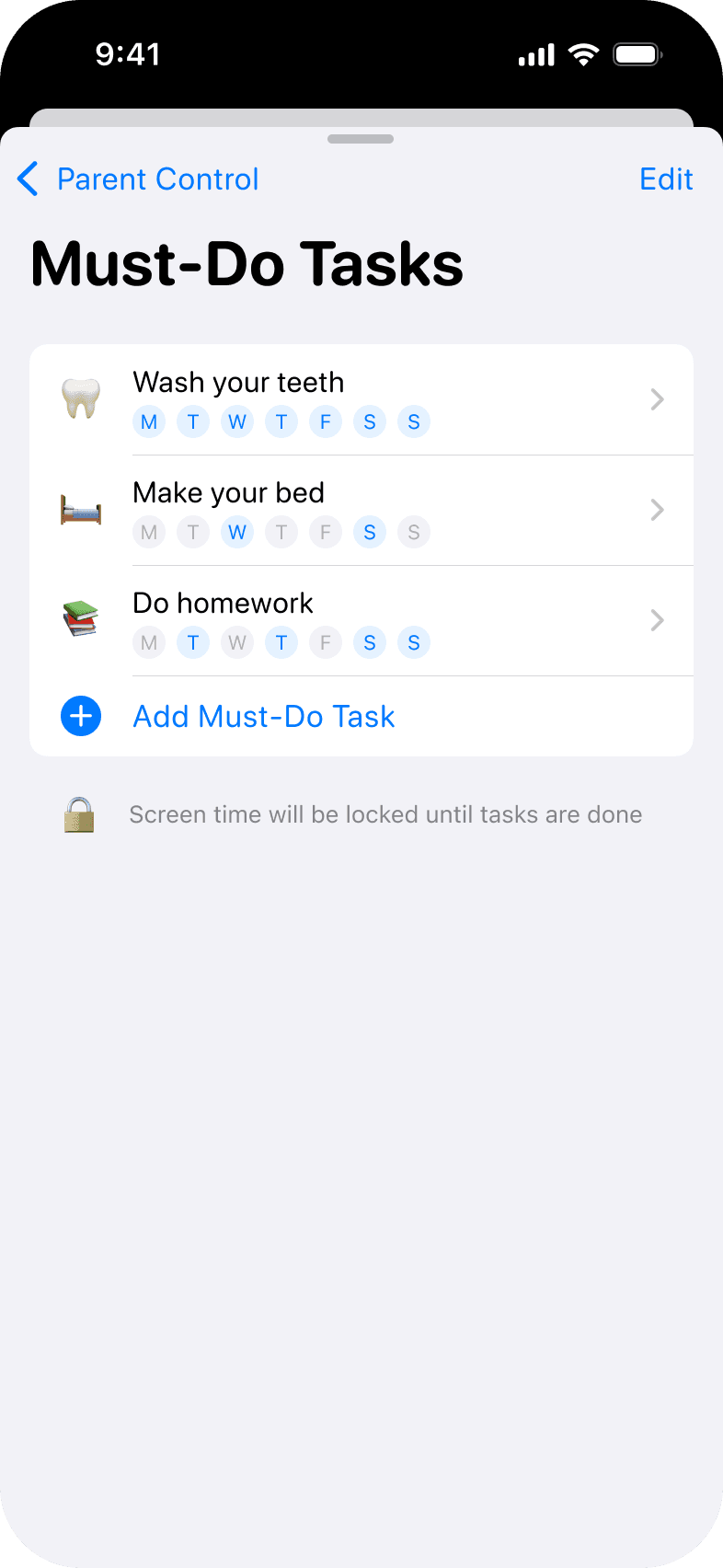
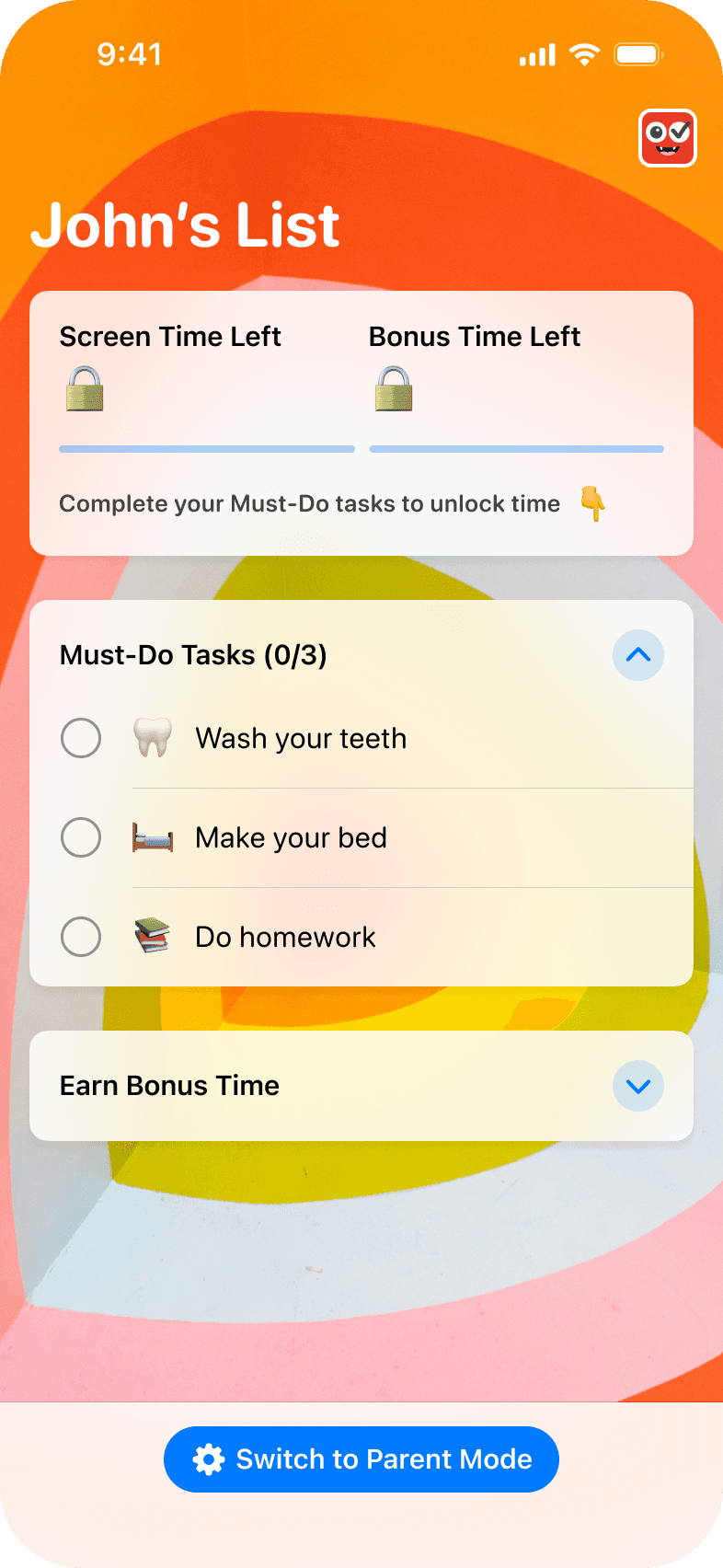
Set must-do tasks kids must complete
before games or videos

💪

Encourage To Do Extra

Create bonus tasks and let them earn
additional screen time

How to Get Started with remote Family management

How to Get Started with remote Family management

Step 1: Install ScreenTreat on Your Phone

Step 1: Install ScreenTreat on Your
Child’s Phone

Login with your Google or Apple account and select family plan to enable remote management. Selected options come with free trial, you can cancel any time before free trial ends. No charges, no questions asked

Step 2: Setup child's account

Download Screentreat on your child's device, pair with yours by scanning QR code, and complete onboarding for permissions, initial tasks, and apps to block.

Step 3: Let Your Kids Complete Tasks

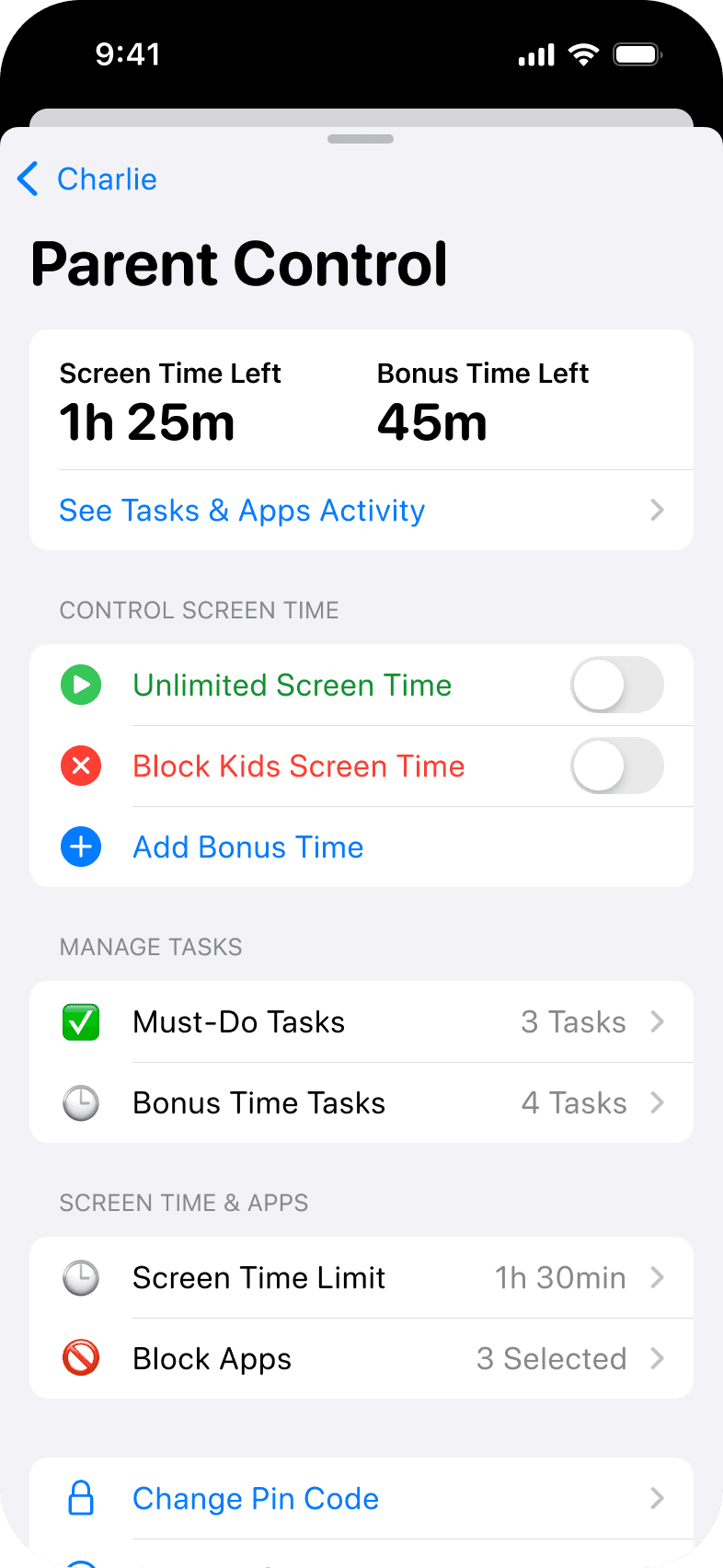
Kids will earn screen time by finishing the Must-Do and Bonus tasks you set. You can always customize and create new tasks, change screen time limits give unlimited or block screen time via parent controls.

App screenshot
App screenshot
App screenshot

Set custom off-screen schedules for school, dinner, and bed-time

Set custom off-screen schedules for school, dinner, and bed-time

This gives you a simple, effective way to build healthy routines and family moments when screens aren’t part of the plan. We built this feature to make routines easier, calmer, and more consistent - no other reminders or negotiations needed. 

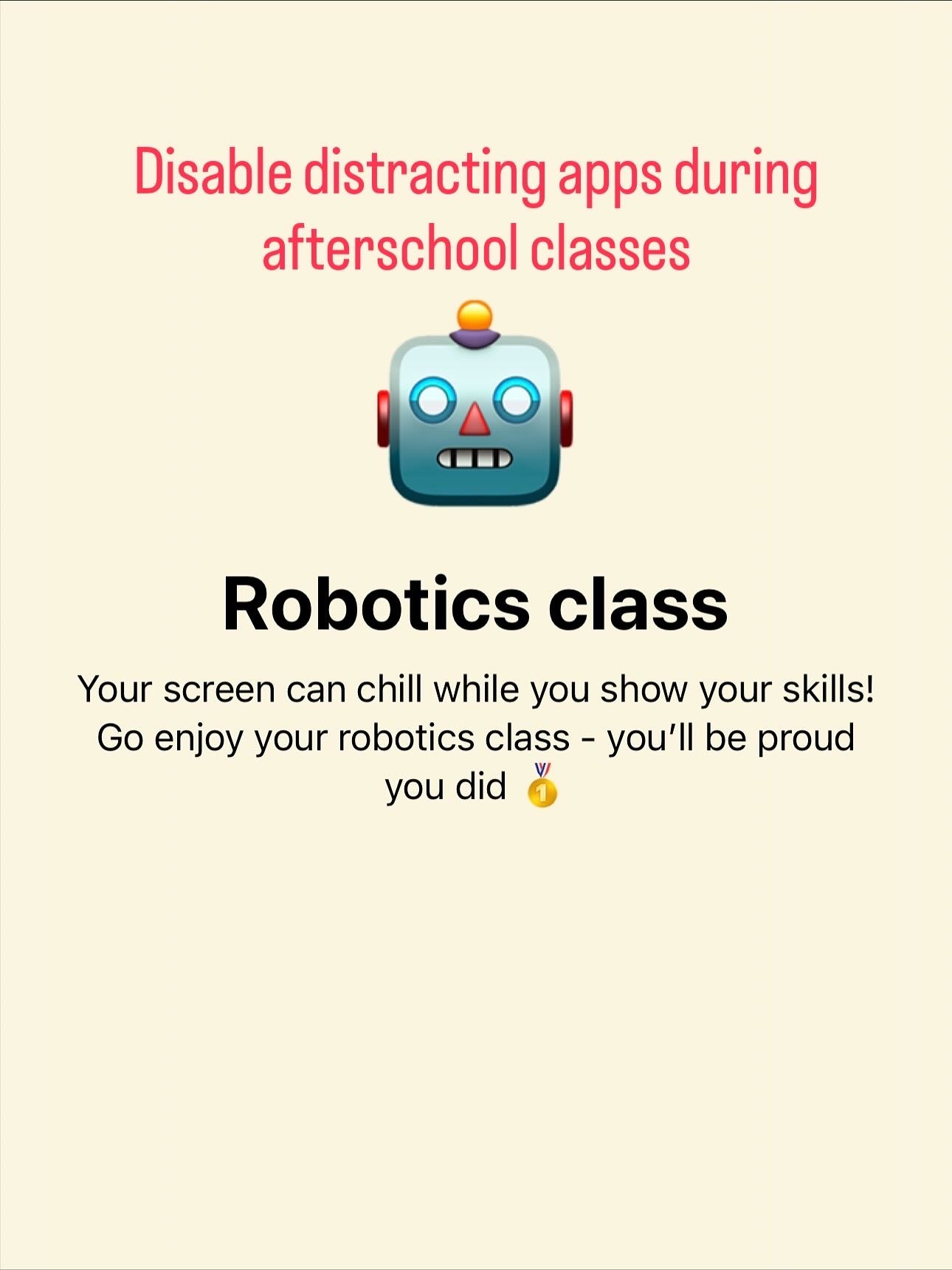
Create custom screen prompts

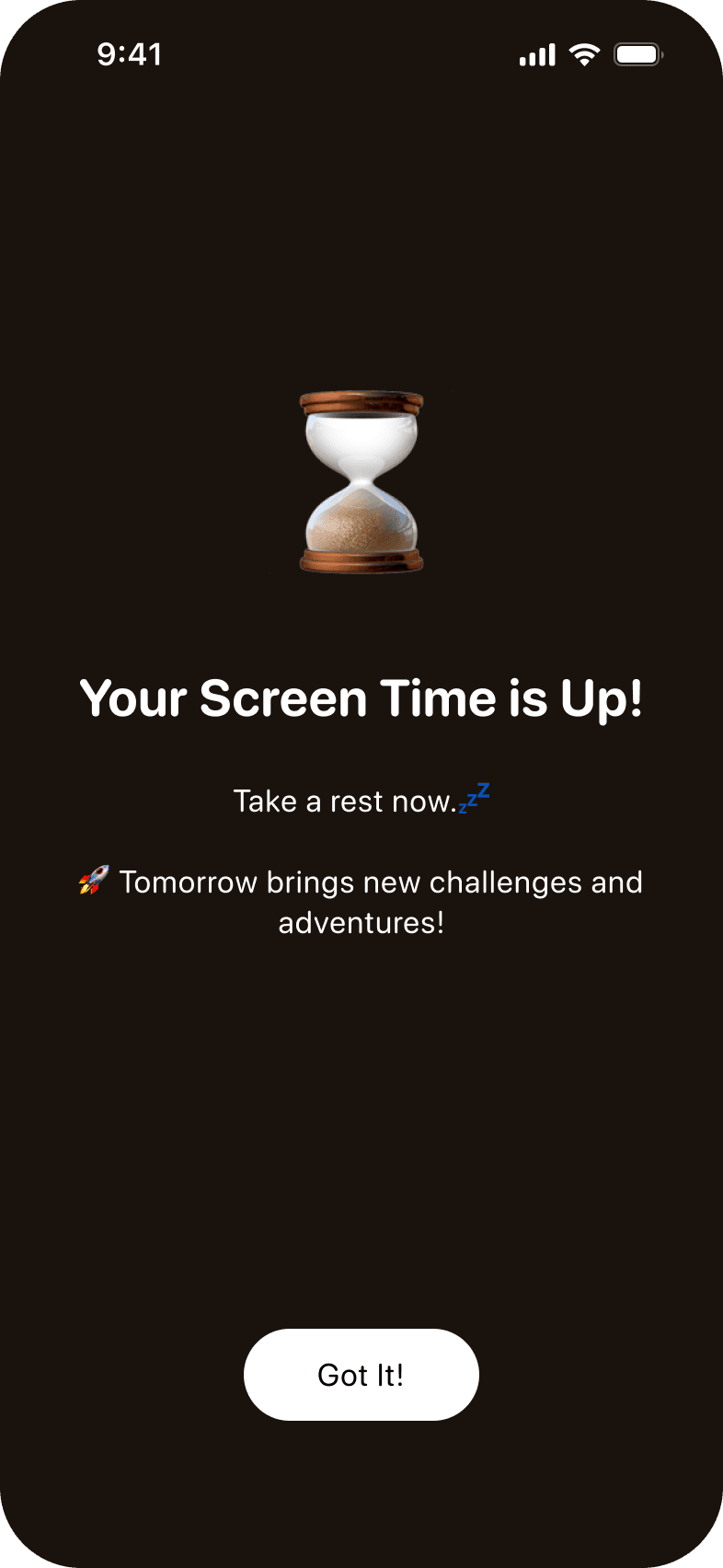
Instead of opening restricted apps, kids will see supportive prompts reminding them of the off-screen activity they’re meant to be focusing on.

Set dedicated off-screen schedule blocks

Choose weekdays and specific hours - like bedtime, school time, dinner time for when selected apps should be inaccessible.
Parents Love The App!

Bernadette S.

"It’s working – my kids get things done for screen time!"

Bernadette S.

"It’s working – my kids get things done for screen time!"

Bernadette S.

"It’s working – my kids get things done for screen time!"

Tom M.

"Finally, my daughter cleans her room without a fuss."

Tom M.

"Finally, my daughter cleans her room without a fuss."

Tom M.

"Finally, my daughter cleans her room without a fuss."

Steve J.

"This app made chores less of a battle."
Steve J.

"This app made chores less of a battle."
Steve J.

"This app made chores less of a battle."

App screenshot
App screenshot
App screenshot

Mariano T.

"Screen time is now a reward for getting things done."

Mariano T.

"Screen time is now a reward for getting things done."

Mariano T.

"Screen time is now a reward for getting things done."

Janet R.

"My son actually wants to do tasks now, just to earn screen time."

Janet R.

"My son actually wants to do tasks now, just to earn screen time."

Janet R.

"My son actually wants to do tasks now, just to earn screen time."

Charlie L.

"My kid does his homework now to get more screen time!"
Charlie L.

"My kid does his homework now to get more screen time!"

Charlie L.

"My kid does his homework now to get more screen time!"

App screenshot
App screenshot
App screenshot

How does it work?

Parents set Must-Do and Bonus tasks for their kids. Kids unlock their daily screen time by completing the Must-Do tasks. All tasks can be managed via parent control.

How does it work?

Parents set Must-Do and Bonus tasks for their kids. Kids unlock their daily screen time by completing the Must-Do tasks. All tasks can be managed via parent control.

Want to try the Screentreat for free?

Absolutely, both our plans come with Free Trial. You can cancel anytime before free trial ends - no charges, no payments will happen. Still not convinced? Drop us an email: hi@screentreat.app

Want to try the Screentreat for free?

Absolutely, both our plans come with Free Trial. You can cancel anytime before free trial ends - no charges, no payments will happen. Still not convinced? Drop us an email: hi@screentreat.app

How can I block or add more screen time?

You have special access to parent control meniu via remote control in your iPhone or using parent pin code in child's device. Here you can instantly block, add more minutes, manage tasks and adjust daily schedule.

How can I block or add more screen time?

You have special access to parent control meniu via remote control in your iPhone or using parent pin code in child's device. Here you can instantly block, add more minutes, manage tasks and adjust daily schedule.

App logo
App logo

Download Now and See The Positive Change in Your Kid!

Download Now and See The Positive Change in Your Kid!

App screenshot
App screenshot
App screenshot
App screenshot
App screenshot
App screenshot

More new features coming

We are happy to announce that Screentreat is continuing to grow and develop great features that our customers want!


We are implementing a project to further develop and introduce key features of our App and turn screen time into positive habits.

During the project, we will release several key features, including the reporting and insights module, personalised task library, user notification module, and our long-awaited release for Androids.

We are happy to announce that Screentreat is continuing to grow and develop great features that our customers want!


We are implementing a project to further develop and introduce key features of our App and turn screen time into positive habits.

During the project, we will release several key features, including the reporting and insights module, personalised task library, user notification module, and our long-awaited release for Androids.

Funded by EU

Funded by EU

Funded by EU


This joint project is funded by the European Union – NextGenerationEU
program “Promoting the development of innovative products or innovative product prototypes by startups in the EdTech sector.”

Project No.: 02-113-J-0001-J06-00010.
Project implementer: UAB “Screentreat”.
Total project value: 59 296,65 EUR.
EU funding amount: 59 296,65 EUR.
Project duration: November 2025 - May 2026


This joint project is funded by the European Union – NextGenerationEU
program “Promoting the development of innovative products or innovative product prototypes by startups in the EdTech sector.”

Project No.: 02-113-J-0001-J06-00010.
Project implementer: UAB “Screentreat”.
Total project value: 59 296,65 EUR.
EU funding amount: 59 296,65 EUR.
Project duration: November 2025 - May 2026